AI image generation, editing & upscaling inside Photoshop
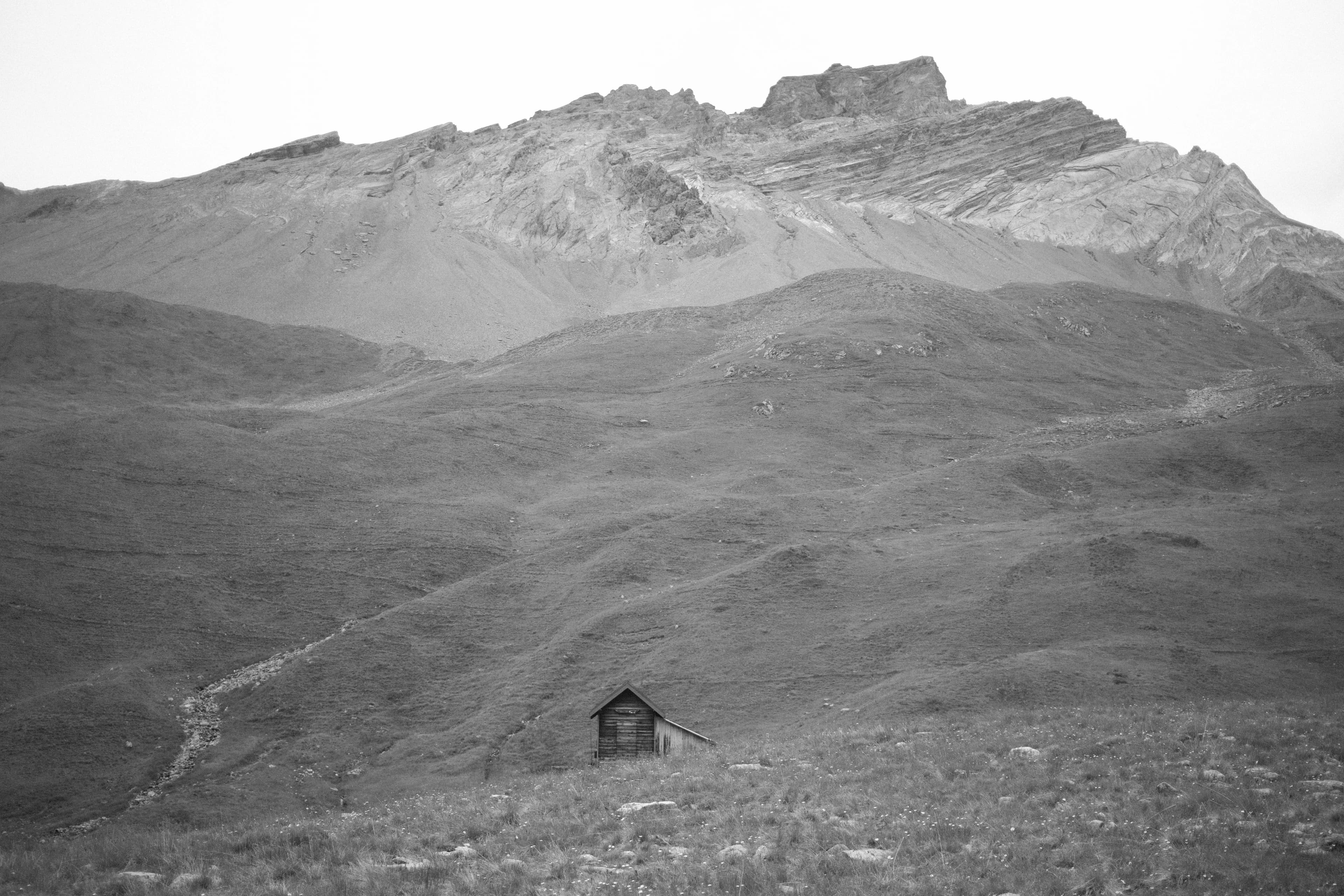
Seam is a plugin for Adobe Photoshop. It creates, edits, and upscales images directly in the document you have open. Results come back as normal layers. No exporting, no switching between apps.
All models sit in one dropdown: Gemini (Nano Banana), GPT Image, FLUX, Reve, and dedicated upscaling models. You pick per image.
Expensive renders start as a small, cheap preview. The full-resolution version runs only once the direction is right.
A selection limits the edit. The result comes back masked to exactly that area. Auto Mask can also separate the main object onto its own layer mask.
Every generated layer stores the model and settings that made it. Prompts can be saved as presets, and earlier setups can be loaded again.
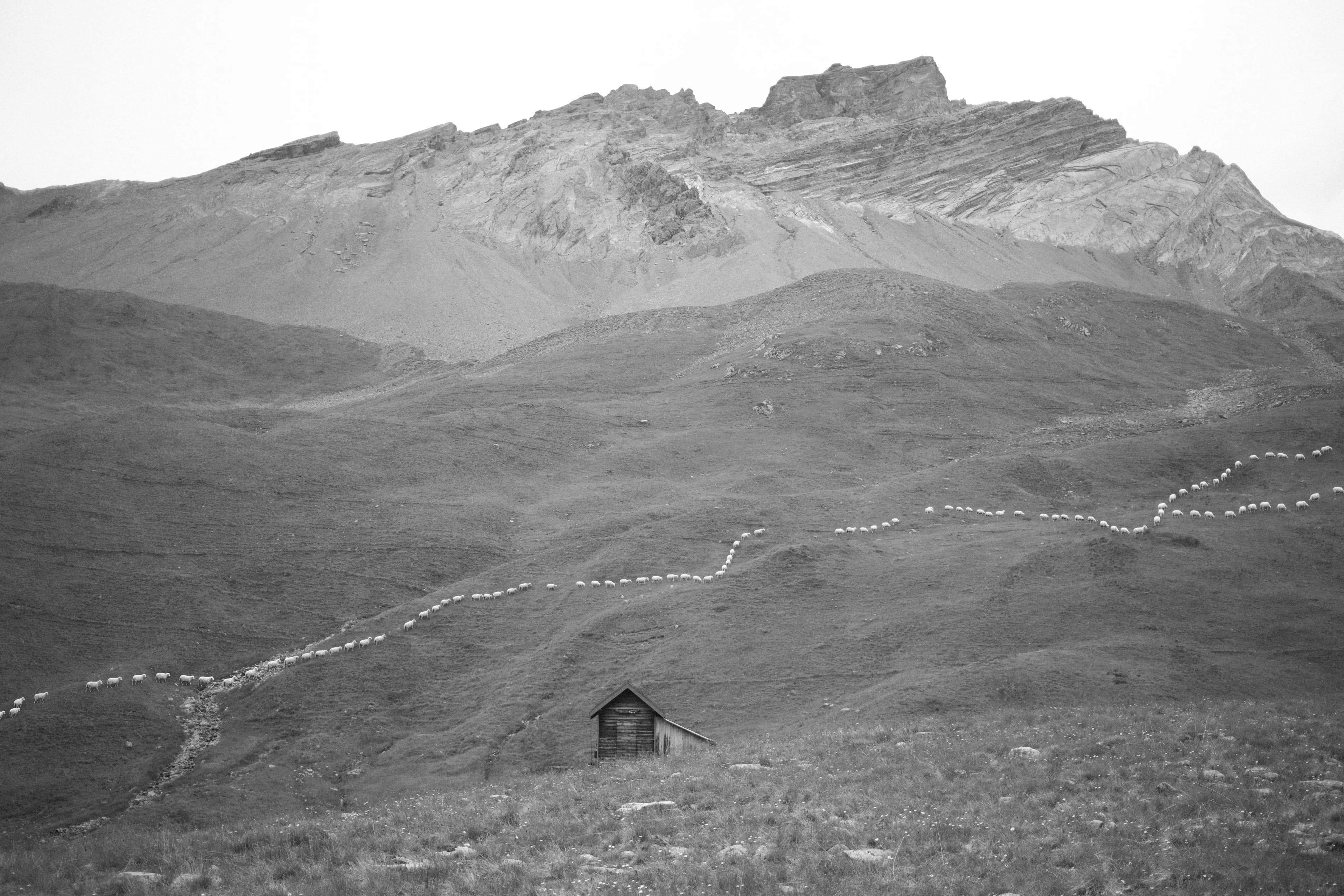
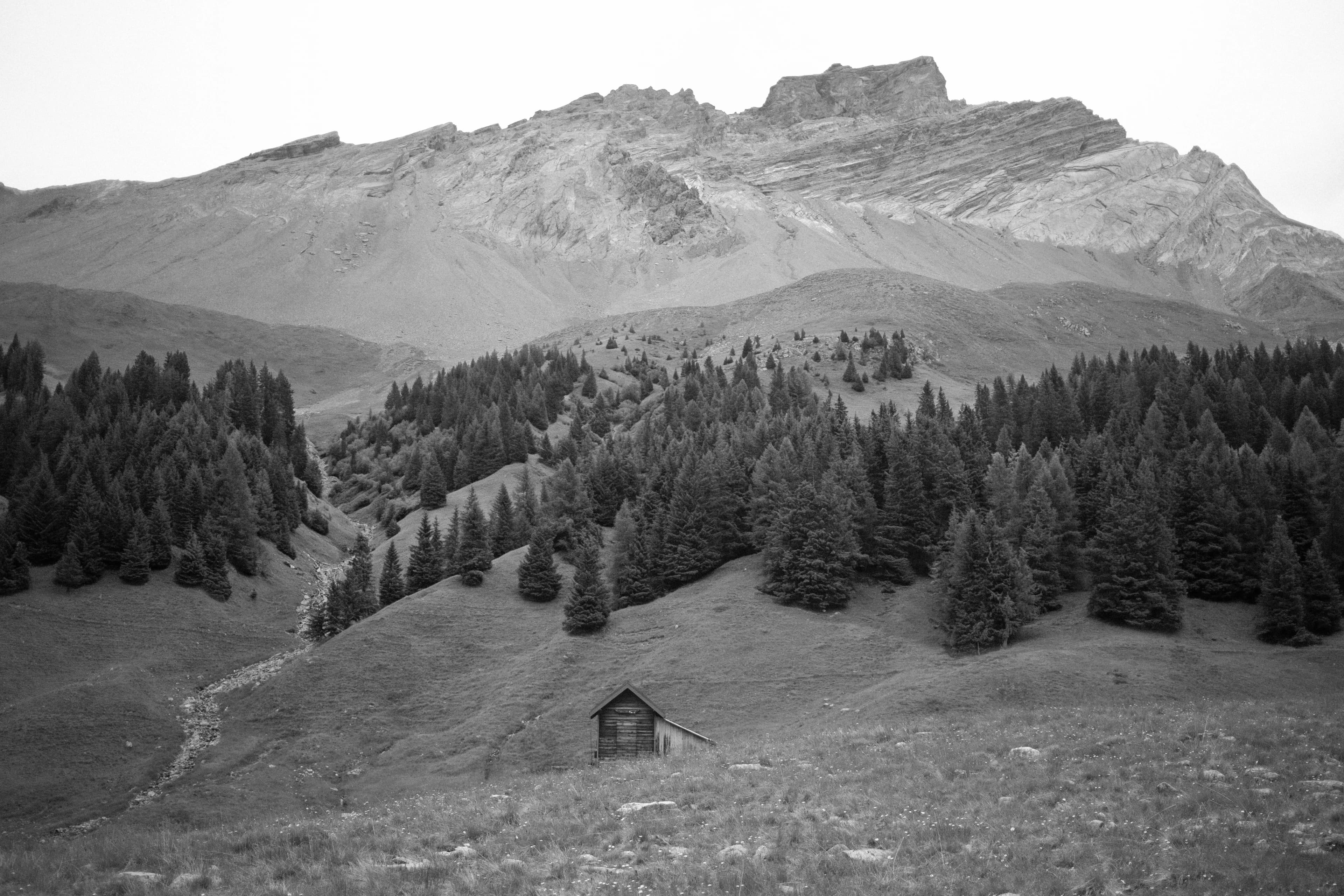
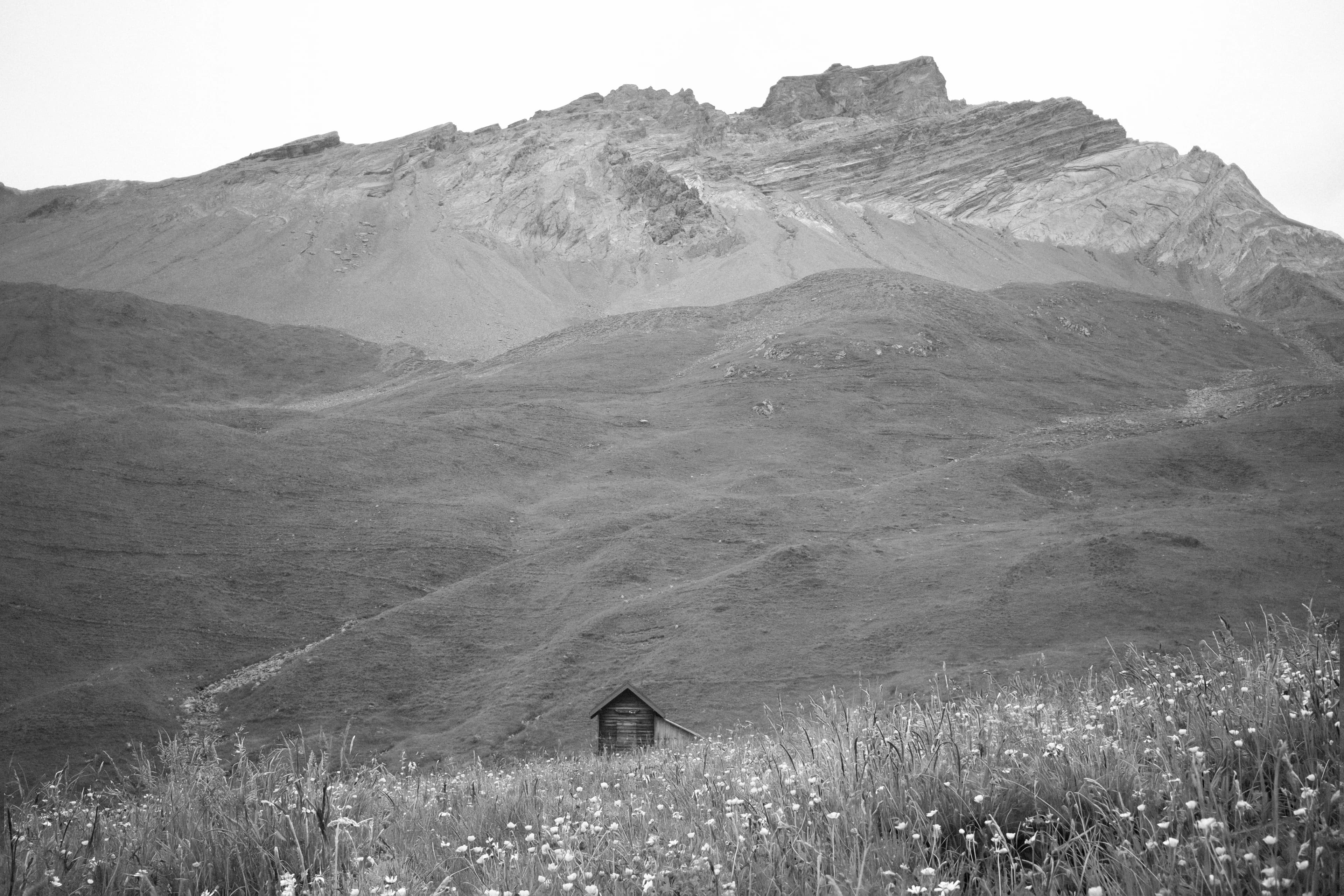
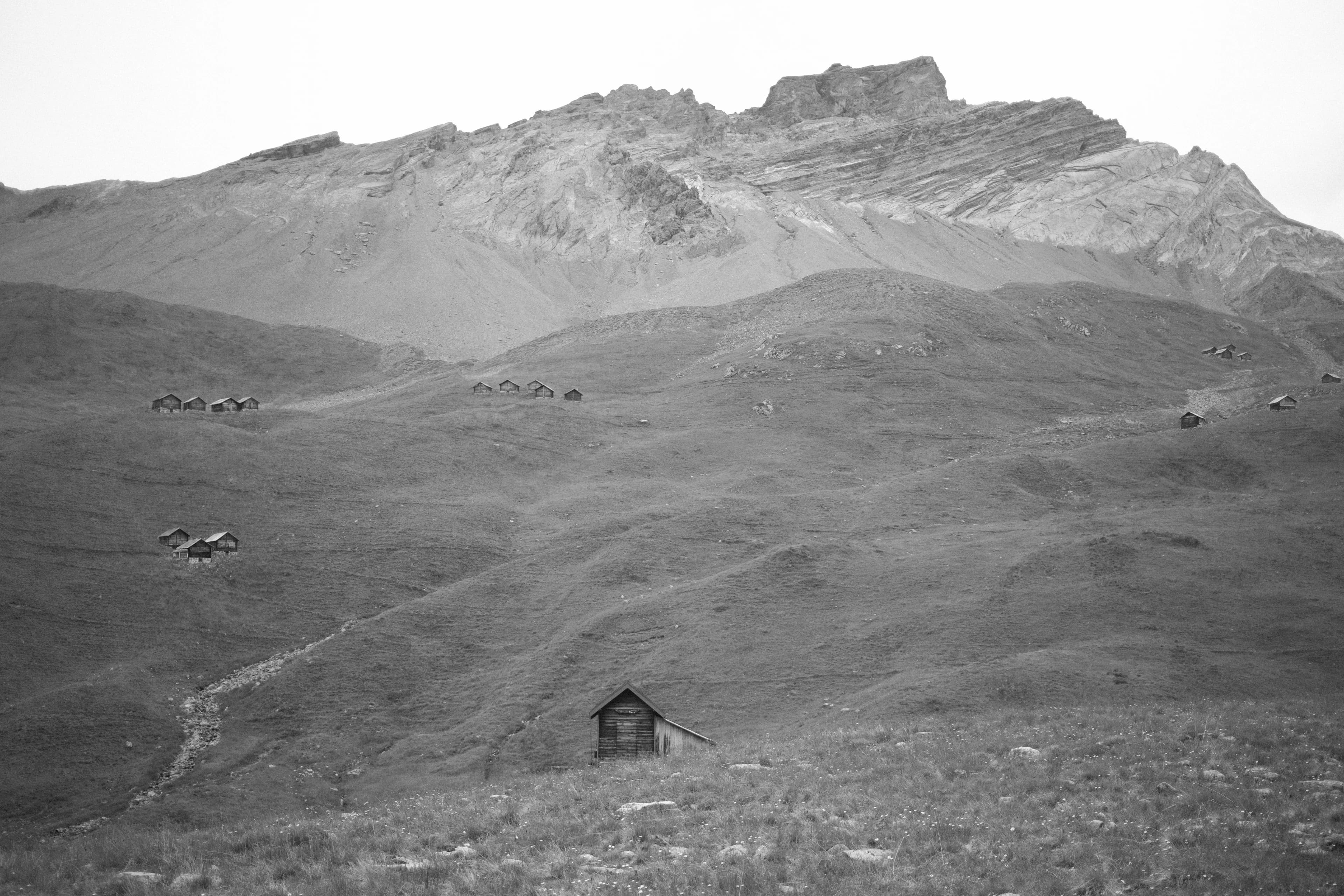
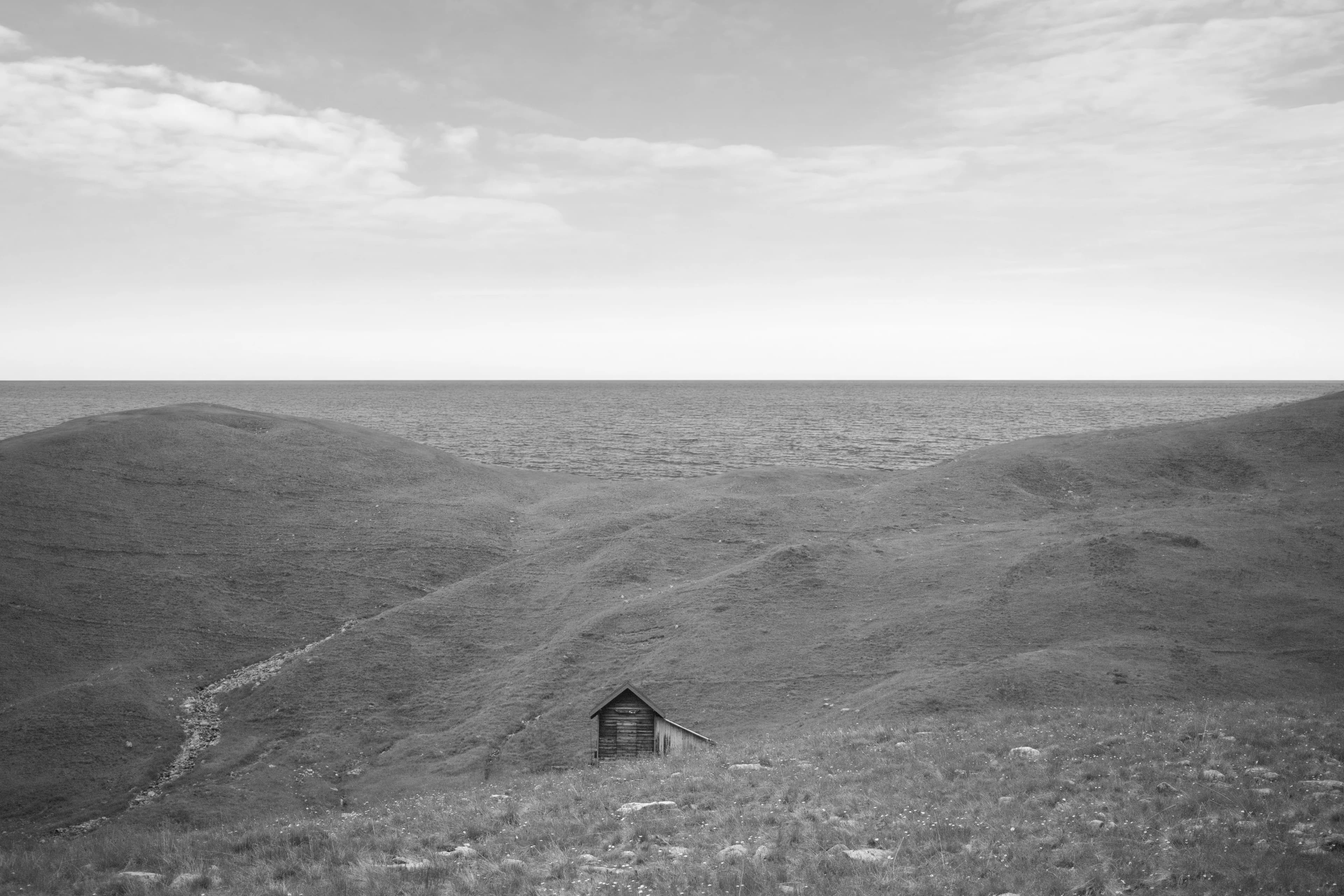
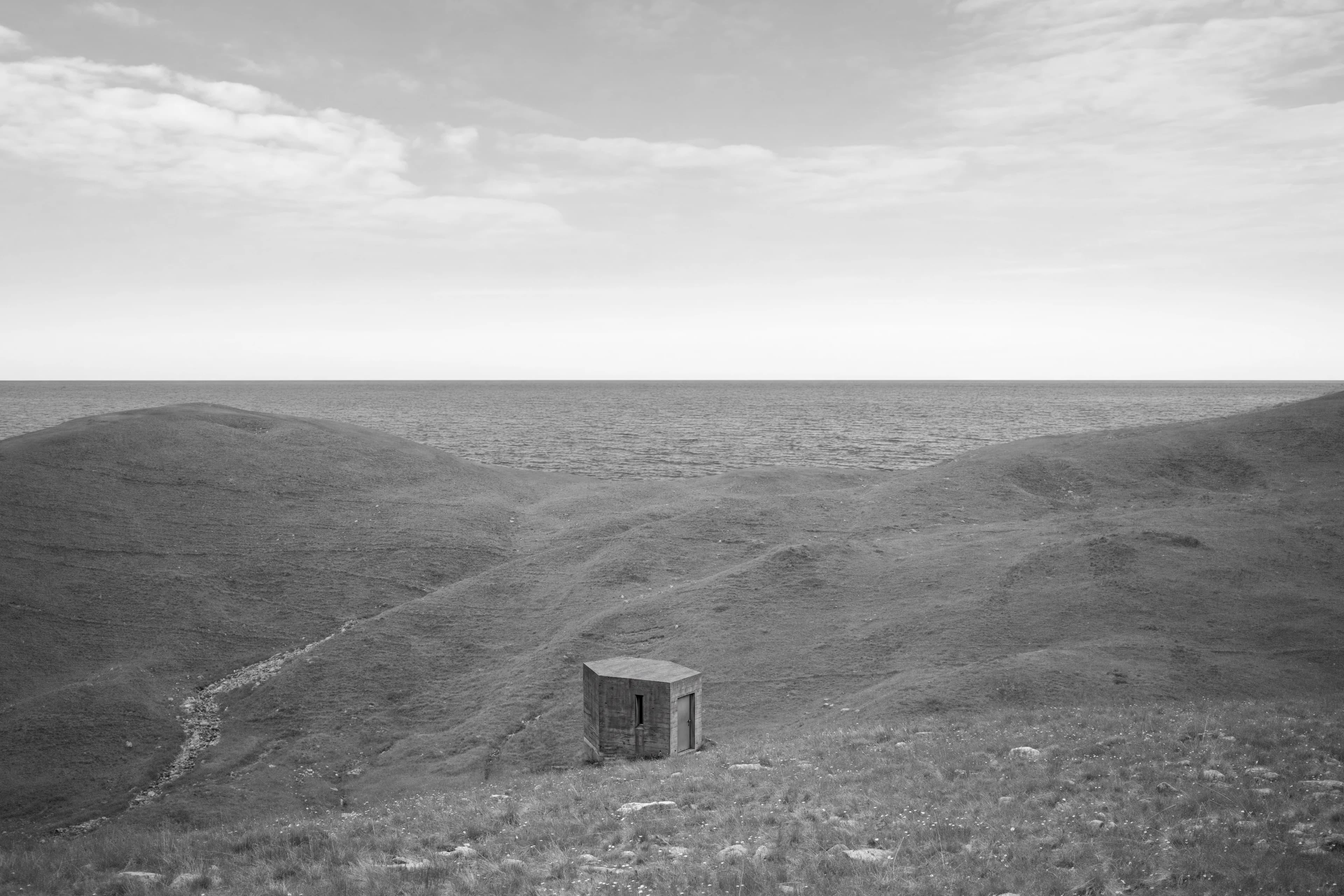
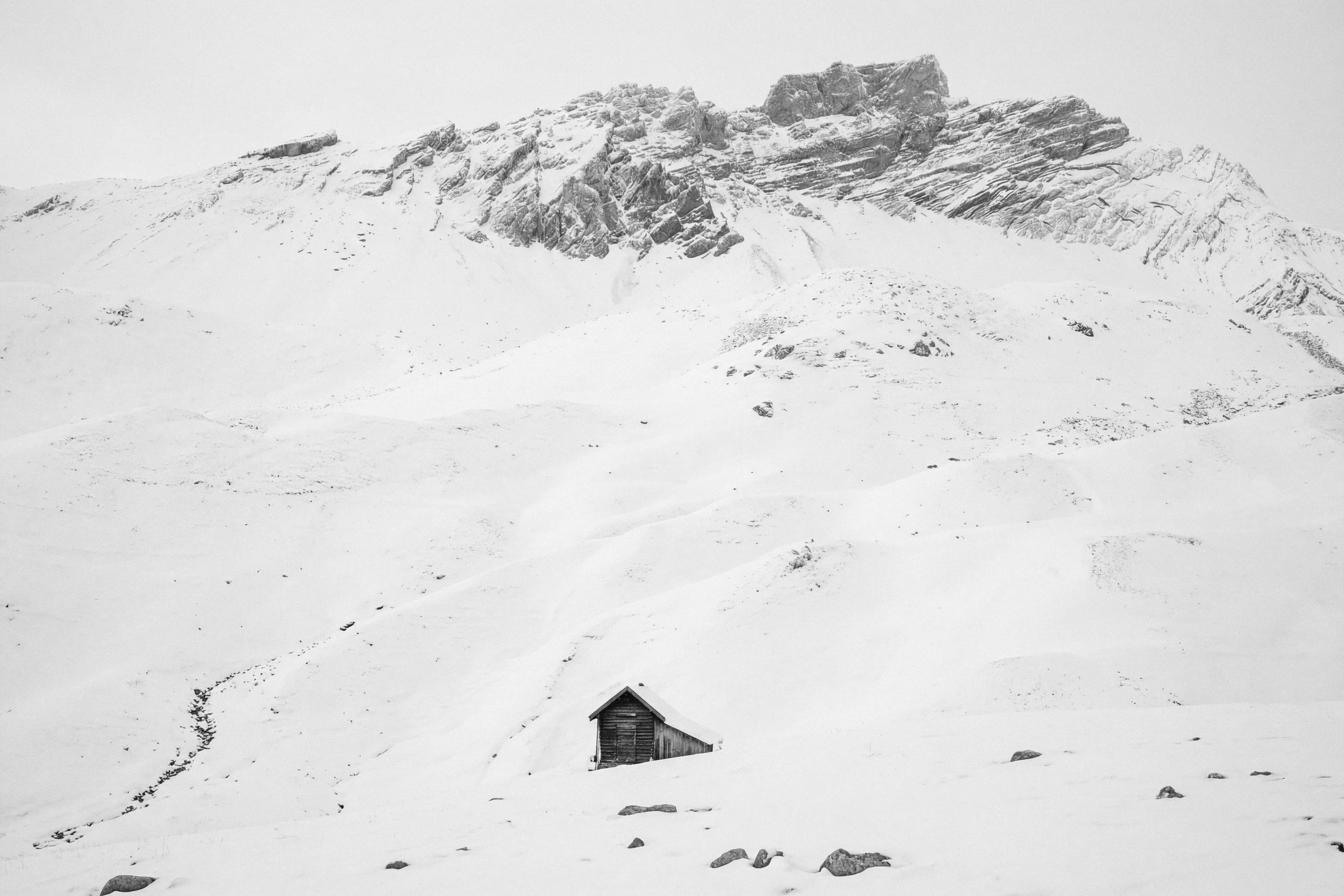
Each image above is the one before it, changed by a single sentence. In Photoshop, every result lands on its own layer, so no step destroys the last one.
- Selections. Select a region and the result returns masked to exactly that region.
- Preview & Commit. A small draft first, the full-resolution render only once the direction is right.
- Auto Mask (beta). Seam reads the subject out of your prompt and attaches an object mask to the new layer. If that fails, you still keep the image.
- Layer provenance. Model, prompt, seed, and settings are stored on the layer itself. Load them back months later.